Everyone is using AI their own way today. What happens when we need to work together?
Most teams "adopt AI" by buying new, mostly untested software, then wait for a productivity jump that never shows up in the numbers. That missing productivity is the signature of the stage we are actually in: the Kit phase.
Every general-purpose technology passes through it — the steam engine, the Model T, the PC. Loose components people tinker with, repurpose, and master by doing, long before anyone builds the firm-scale machinery that turns tinkering into measured output. Farmers ran corn shellers off jacked-up Model Ts for years before Ford watched them and built the tractor.
The work that matters happens in undocumented local experiments. The organizations that pull ahead recognize the stage they are in and build a map to climb out of it. AI Kitcraft is the hands-on answer.
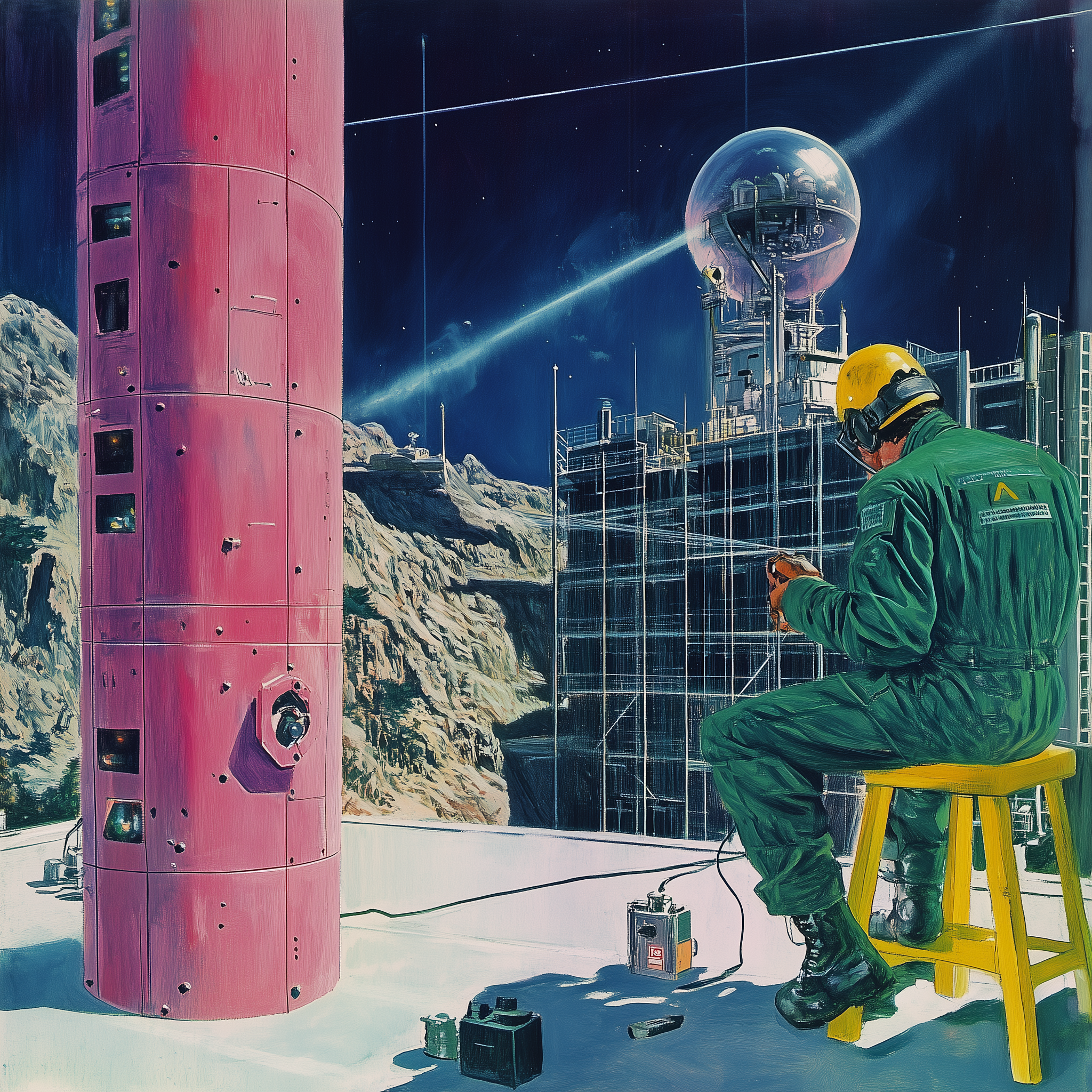
Kit · Factory · Bridge
See how everyone already uses AI, including you.
Make one of yours usable by someone else. Then let one assistant run several together, reliably.
One AI setup you already use, captured clearly enough that a colleague, or a colleague's assistant, can pick it up and run it without asking you.
The five-level AI Capability Maturity Model, and an honest read on where your team sits and what the next step actually is.
You will have had your assistant run several people's kits as one process, kept track of everywhere it got stuck, and helped the group work out what makes that reliable.
Four sessions of an hour each, spread over the Symposium's two workshop days, with time to work in between. Times are UTC.
You list the AI setups you already use, then read everyone else's through your own assistant. Most people find that the useful part: ten people use AI ten different ways, and suddenly you can see things you could be doing.
Half an hour straight after the first session for anyone whose setup is not cooperating. Come along; this is what it is for.
Take the setup you picked and tidy it up until it runs without you, fits whoever uses it, and hands them something they can build on. That is all a factory is. Then a partner's assistant tries it, and you find out what you forgot to say.
The interesting part. Get one assistant to use several people's kits together, passing half-finished work between them, and then make that combination reliable enough to run again. Keep track of everything that gets in the way.
Everyone gets ninety seconds on what they made and what they learned. Together we write down what makes a combination of kits reliable. That written answer is the workshop's main output.
Before session 1 Everything you need arrives by email after you register: a short setup list and an invite to the shared workspace.
Analysts, managers, project and operations leads — anyone who uses AI regularly at work and has noticed that none of what they have figured out is easy to pass on. You do not need an engineering background. You do need to be willing to try things and say when they break.
Rafa researches how protocols shape organizational design, performance, and technology adoption, and co-authored the AI Capability Maturity Model — the five-level framework this workshop teaches. He runs the SIG's study group and builds the hands-on Kits participants are asked to make. He works as a general manager for blockchain governance and as an AI adoption consultant.
Sachin studies infrastructure ethnography and the social history of technology, and wrote AI, Tractors, and the Productivity Paradox — the essay that supplies this workshop's core thesis, that AI is in its Kit phase. He works as an AI adoption consultant, and previously as a product manager across several software organizations.
The five-level framework the workshop teaches. ai.protocolized.dev →
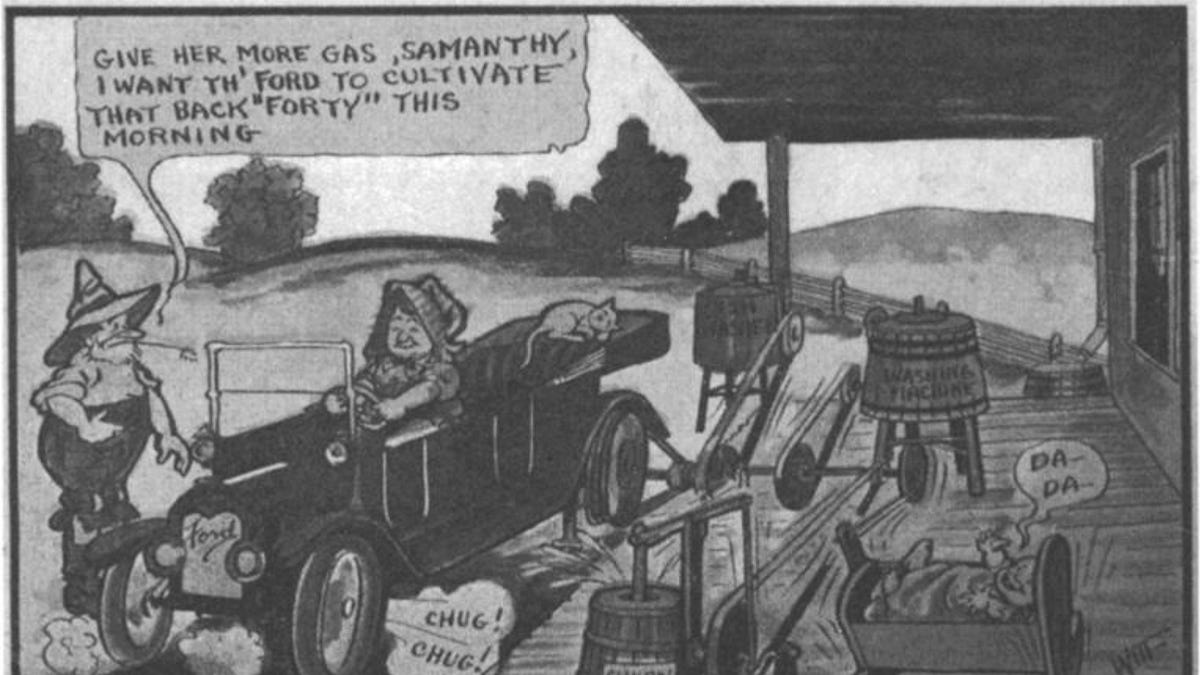
Sachin Benny, AI, Tractors, and the Productivity Paradox. Read →

New Nature · Sep 21–25 · online. Details →
The Protocol Institute brand kit, built agent-first. See it →
Registration is open. The form takes two minutes, and we use it to send you the setup steps and an invite to the shared workspace. Bring the AI setups you already use; you pick one to work on in the first session. There is room for 10–15 people.
AI Kitcraft is one of the workshops of the 2026 Protocol Symposium. New to the Symposium? Read the Symposium registration post first.
After you sign up we will send you a short email with the setup steps and an invite to the workspace. It takes about ten minutes, plus one paste into your AI assistant.
Open the sign-up form →Questions, or trouble with the form? Write to team@protocol-institute.org, or ask in the workshop channel on Discord.